A Digi World original · DW-SYS-018
Draft. Send. Sign.
Status pipeline + renewals.
$27
USD · instant vault
USD · instant vault
Contract & Agreement Desk
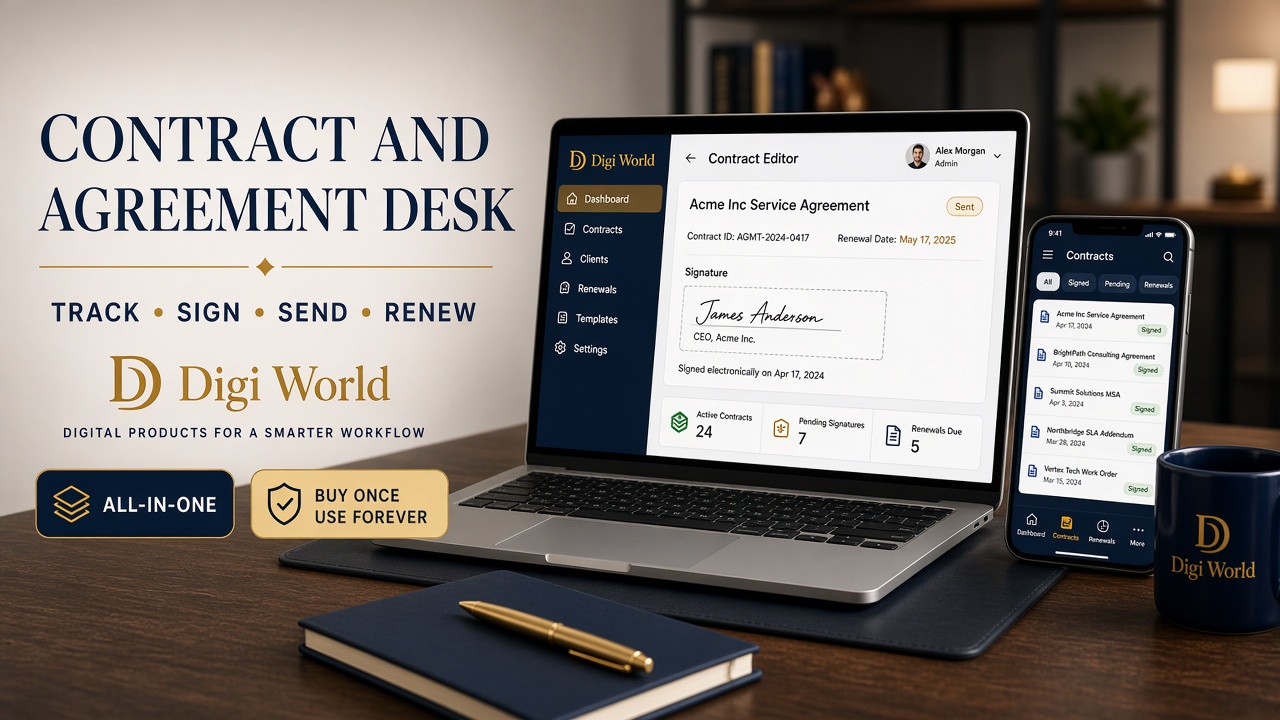
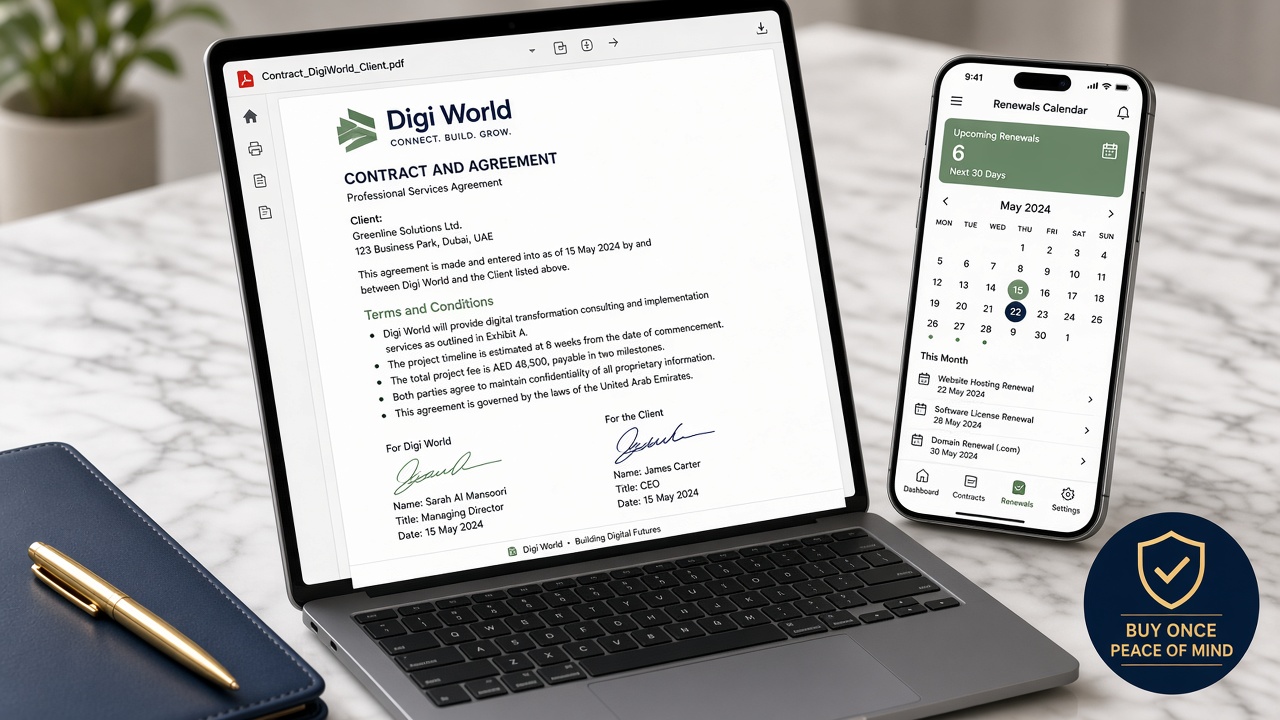
Contracts live in email threads and nobody knows what's draft, sent, signed, or expired. One HTML desk: Log contracts — client, type, value, start/end dates. Mark status draft → sent → signed → expired. Dashboard shows open contracts, renewals due, and signed count. Print any record → Save as PDF. Not legal advice — a local tracker for freelancers and studios. Review renewals monthly. Data stays local. Pairs with Quote & Invoice Desk when signed work becomes billing.
Inside the vault
START-HERE Contract-Agreement-Desk.html Dashboard (open / renewals / signed) New contract (client, type, dates) Draft → sent → signed → expired Renewal dates Print → PDF Sample desk included
Who it’s for
Not for people who want a ghostwriter to do the work.
Science, not hype
Implementation intentions. Identity. Less choice. That’s why this is an OS, not a dump.
Licenses & words
★★★★★Renewals stopped sneaking up
I had three retainers expiring in the same month and only found out from a client email. Dashboard renewals due is now a Monday habit.
Sarah Mitchell · Denver · Brand strategist
★★★★★Draft to signed, one desk
Status pipeline replaced my ‘where did I save that PDF’ hunt. Print to PDF for the folder, tracker for the truth.
David Kim · San Jose · Web developer
★★★★★Not legal advice — exactly what I needed
I just wanted to know what’s sent vs signed without paying for e-sign seats. Pairs with Invoice Desk when the SOW clears.
Emily Torres · Miami · Marketing consultant
Questions
Do I need DocuSign, HelloSign, or Google Docs?
No. Double-click Contract-Agreement-Desk.html. Contracts and status stay in localStorage on this computer.
Can I track draft, sent, signed, and expired?
Yes. Mark status as you go. Dashboard shows open contracts, renewals due, and signed count.
Is this legal advice? Can I print a PDF?
No legal advice — this is a local tracker. Open any contract → Print → Save as PDF for your records.
How many seats? Can I resell it?
One studio is $27. Two seats is $42. Personal use. No redistribution, no marketplace dump of the HTML.
How do I get the files? Refund?
After name and email, the thank-you page has the zip. We also email that inbox. 7-day replacement if the zip will not open.
Unlock the whole house — $97
See the vault